Def Jam Recomp system requirements
What the PC, Mac, Linux and Steam Deck builds need, how render scale and frame rate work, and which Android phones run the Android port.
- Windows x64
- Apple Silicon
- Linux x86-64
- Android 10+ ARM64
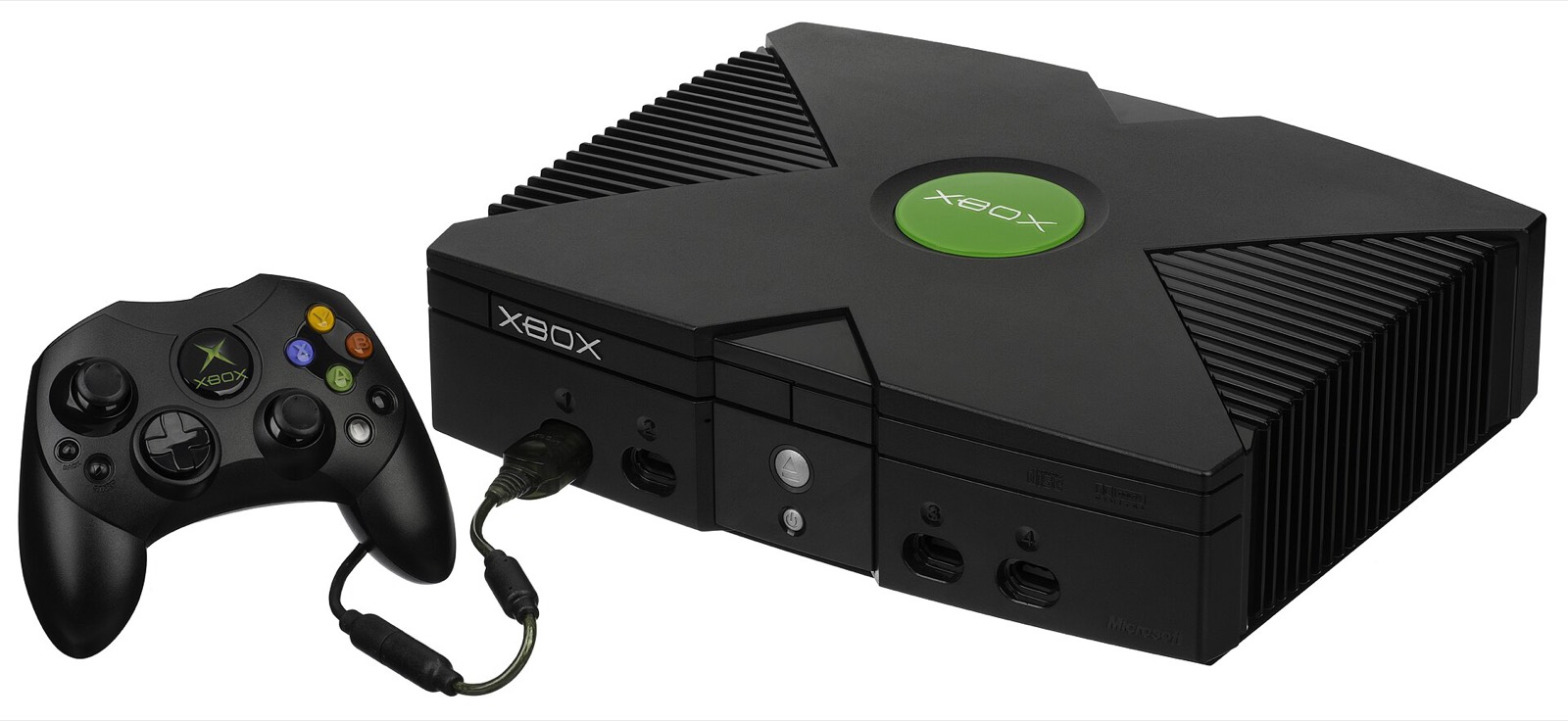
Def Jam Recomp builds the Xbox game into a native program, so it asks little of a modern computer. What matters more is the platform, disk space for the build and the build tools. These figures come from the project’s README, install guide and release notes up to v1.1.1; the Android figures from the Android port’s README and releases.
PC, Mac and Linux requirements
| Component | Requirement |
|---|---|
| Computer | Windows x64 (drawn with Direct3D 11), a Mac with Apple Silicon (Vulkan through MoltenVK) or x86-64 Linux, including the Steam Deck (Vulkan). There is no Intel Mac build. |
| Phone | Android 10 or newer on an ARM64 phone with a working Vulkan driver, for the separate Android port (v1.4-FG). |
| Game | Your own USA (NTSC-U) Xbox copy of Def Jam: Fight for NY, as a disc image (ISO/XISO) or an extracted folder: title ID 0x45410049, 118 files. PS2 and GameCube copies cannot be used. |
| Disk space | About 12 GiB of working space, plus the size of your copy (about 3 GB) and 1 GiB. Upscaled Original Textures need up to 15 GiB more. The app shows the exact figure before it starts. |
| Build tools | Windows: Microsoft’s C++ Build Tools (the app offers to install them). macOS: Apple’s Command Line Tools (xcode-select --install). Linux and Steam Deck: nothing, the AppImage carries its own toolchain. |
The README does not publish a minimum processor or graphics card. The Windows build draws with Direct3D 11; macOS and Linux draw with Vulkan (MoltenVK on the Mac). The 1.0.0 Windows tests ran on an RTX 4070 Ti SUPER; the Steam Deck is the low-power reference.
Resolution and frame rate
The port targets 60 frames per second with a 1× to 4× internal resolution, in a resizable window or borderless full screen, and widescreen from 16:9 and 16:10 up to 32:9. Render scale and window size are separate settings.
| Render scale | Internal height | Use |
|---|---|---|
| 1× | 480p | Original look; the Android port’s recommended start |
| 2× | 960p | Modern preset; Steam Deck holds 60 fps here with HD textures |
| 3× | 1440p | For 1440p and 4K screens on a desktop GPU |
| 4× | 1920p | The maximum |
Frame rates above 60 fps are future work: the roadmap aims to support them while keeping game speed and timing. Fights got an even simulation step every frame in 0.12.3, which cut uneven frames in the owner’s play-test from 11.2% to 0.1%.
Disk space in practice
- About 12 GiB of working space while the game builds, plus your copy (about 3 GB for the 118-file USA disc) and 1 GiB.
- Upscaled Original Textures, generated on your computer from your copy with no GPU or AI model: up to 15 GiB more.
- Each Update or Repair keeps another ~600 MB build in the install folder for now (#180).
Android phone requirements
| Item | Requirement |
|---|---|
| Android version | Android 10 or newer |
| CPU | ARM64 only |
| GPU | Vulkan driver; Adreno renders with default settings; Mali and PowerVR have optional fixes |
| Known trouble | Open reports: black screen on Helio G25 (#22) and Helio P22 (#21), crash on Mali-G57 MC2 (#10), PowerVR support question (#16) |
| Frame rate | No FPS guaranteed; automatic 60 FPS menus and 30 FPS fights on low-end phones (v1.2); 45 FPS cap removed and frame generation added in v1.4 |
The Android port is a separate project; see the Android guide for its two run modes and phone fixes.
A controller to play with
The PC port reads Xbox, DualSense, DualShock 4, Switch Pro and most DirectInput pads through SDL3, wired or Bluetooth. An Xbox Wireless Controller matches the game’s own button layout; a DualSense, the 8BitDo Ultimate 2 Wireless and the GameSir Cyclone 2 work as standard pads. For four-player local fights you need one pad per player (the keyboard can be one of them). See controller setup.
As an Amazon Associate, this site earns from qualifying purchases. Controller links go to Amazon; this site is not connected with the projects or the controller makers.

Frequently asked questions
What are the Def Jam Recomp PC requirements?
Windows x64, a Mac with Apple Silicon or x86-64 Linux (Steam Deck included); about 12 GiB of working space plus your copy and 1 GiB (up to 15 GiB more for Upscaled Original Textures); Microsoft’s C++ Build Tools on Windows or Apple’s Command Line Tools on a Mac; and your own USA Xbox copy. The project publishes no minimum CPU or GPU.
Does it run on an Intel Mac?
No build exists for Intel Macs. The macOS package is for Apple Silicon only.
Can Def Jam Recomp run above 60 fps?
Not in the current release. The port targets 60 frames per second; frame rates above 60 that keep the game’s speed and timing are listed as future work on the roadmap.
How much disk space do I need?
About 12 GiB of working space plus the size of your copy and 1 GiB. Upscaled Original Textures add up to 15 GiB. Each Update or Repair currently keeps another ~600 MB build in the install folder (#180).
Will it run on a low-end PC?
The project says it is optimizing for low-powered hardware and uses the Steam Deck, which reaches 60 fps at 2× with HD textures, as its reference. A weaker machine can use the Original preset (1×, 480p) and skip the HD textures.